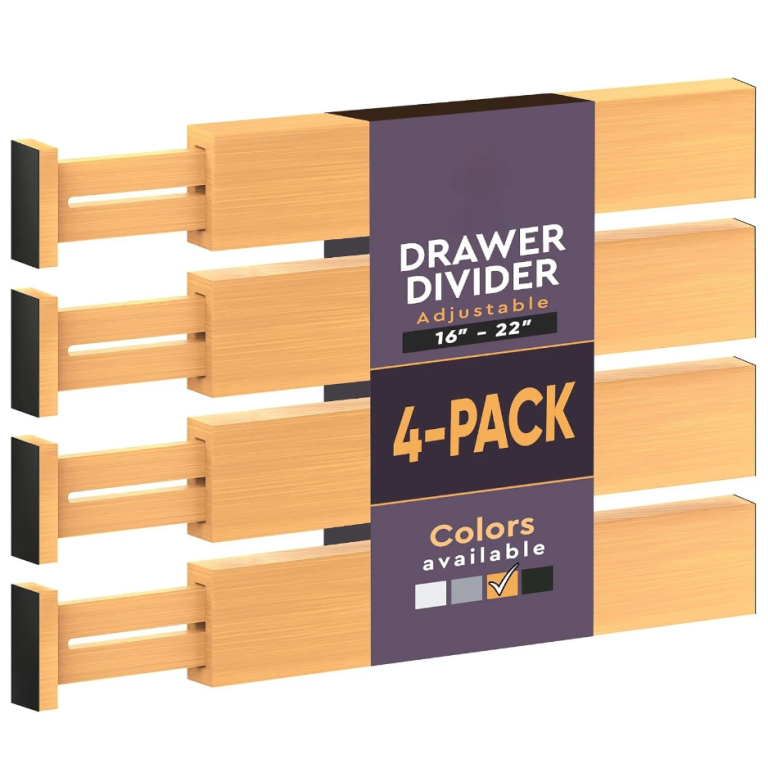
Cable and desk problems share a cause: nothing has a fixed place, so everything stays out. Getting the bedside table right is a good place to start, because it is the change that makes the rest of the desk easier to keep clear.
- Design for the ten seconds before a call starts.
- Measure the bundle, not the single cable, before buying a box.
- Reusable hook-and-loop straps, never single-use ties.
- Label both ends of a cable, within an inch of the plug.
Why a desk stops working before it looks messy
A desk stops working at the point where you have to move something to start a task. That happens long before it looks untidy, and it is usually caused by one zone doing two jobs — the working surface holding things that belong in a drawer or on a shelf.
The signal is a small hesitation. You sit down, and before you can begin you shift a charger, a mug or a pile of paper out of the way. Each of those is a two-second cost that happens twenty times a day, and it is the real reason a desk feels tiring rather than the state of it.

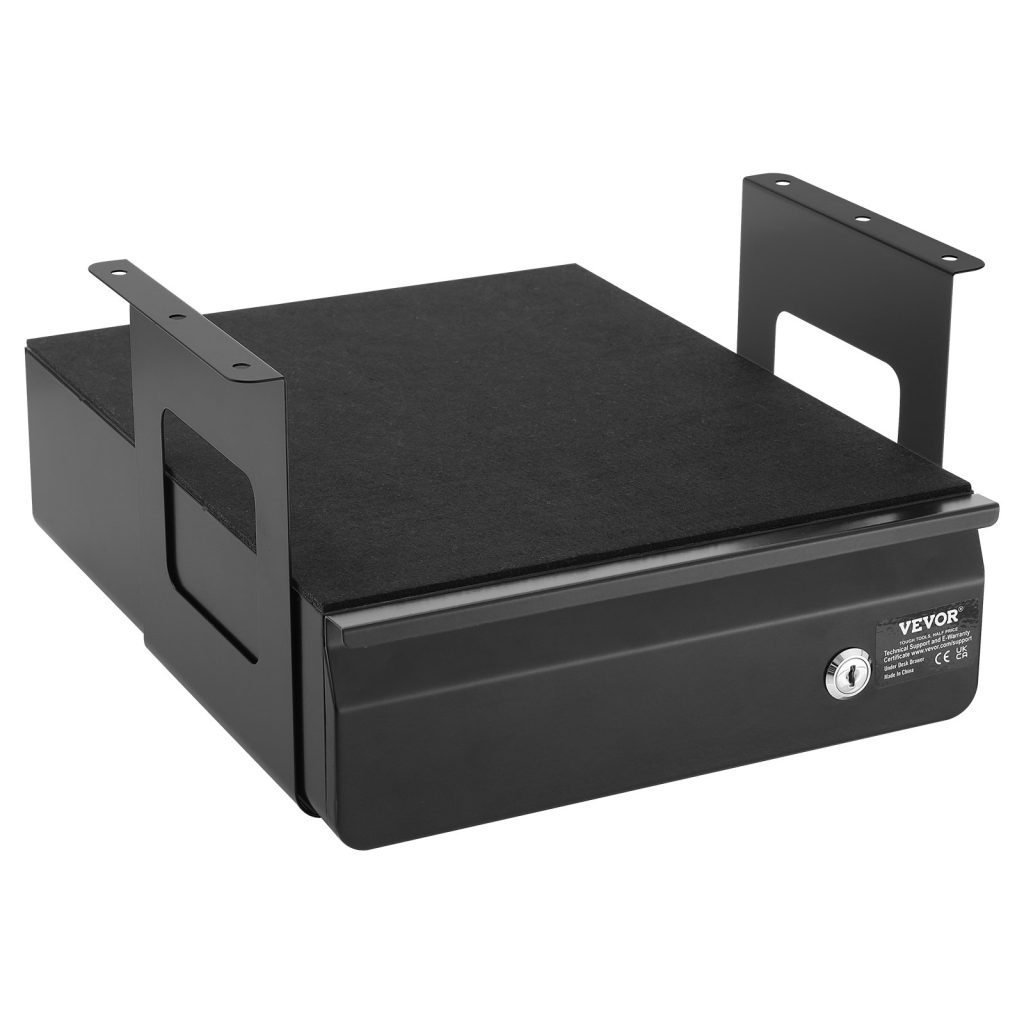
Ships from our US warehouse · 600 g · free US shipping over $49.
Give the desk three zones and no more
A working desk needs three zones: the working surface, which stays empty; the reach zone within arm’s length, which holds what you use daily; and the store zone, which holds everything else. Most desks fail because the reach zone is doing the store zone’s job, so the surface is crowded with things that are only occasionally needed.
Everything daily goes in the reach zone and nowhere else: pen, notebook, charger, headphones. Everything weekly goes in a drawer. Everything monthly goes on a shelf behind you or in a box. If an object has no zone, it will live on the surface — so the rule that matters is that every object has one, and only one, place to go back to.
Measure the bundle, not the cable
When you are sizing anything that has to contain cables, measure the bundle and not the individual cable. Six cables at 4 mm each is a 24 mm bundle before you add connectors, and a power brick is 40 mm on its own. A box that is 3 cm too short will not close over the brick, which is the most common reason a cable box ends up open on the floor.
Then measure the clearance under the desk. A cable tray needs the desk’s underside to be flat, and it needs enough room for the tray plus the cables plus your knees. A tray that sits 8 cm below a 72 cm desk leaves 64 cm of legroom, which is tight for a tall person. Check the desk height before you check the tray.
What to look for in cable management
Four things do almost all the work: a tray under the desk to hold the run, a box on it for the devices, hook-and-loop straps to hold the loops, and a clip or two to fix the cable to the back edge. Sleeves look tidy but they hide everything inside them, so use them only for a run you will never need to change.
Buy straps, not ties. A hook-and-loop strap can be opened and reused a hundred times, which matters because you will re-route these cables. A one-piece plastic tie is a single-use item that you will end up cutting, and cutting a tie next to a live cable is a bad habit to build.
Ships from our US warehouse · 400 g · free US shipping over $49.
How to keep it working after the first week
The system fails when something new arrives and has no place to go. Give every new device a default: a spare-charger box, a spare-cable pouch, a tray for paperwork. When there is a named home for the new thing, it goes there; when there is not, it goes on the desk and the desk starts to drift again.
The other habit worth building is the five-minute reset at the end of the day. Not a tidy-up — a reset. Put the day’s objects back in their zones, clear the surface, and leave the cables where they belong. Five minutes daily is less work than an hour monthly, and it is the only maintenance this kind of setup needs.
When to stop buying and start removing
Every desk drawer eventually holds cables for devices you no longer own. Before you buy another organizer, empty the drawer and test every cable: does a device in this house use it, and do you know which one? Anything that fails both questions goes. Most people recover a third of a cable drawer this way.
The same applies to paper. A document box that is full is usually full of things that were kept because keeping was easier than deciding. Go through it once a year, remove what has expired, and the box will stay a comfortable size rather than growing into a second box you did not plan for.
Related reading: How to organise a craft desk with small parts. It also pairs well with How to make a closet work when it has no shelves.
Frequently asked questions
- How do I know my desk is failing? When you have to move something before you can start. That is the point to fix, not the point at which it looks untidy.
- What is the fastest fix? Clear the working surface completely and give every object on it a home that is not the desk itself.
- How do I keep a desk clear? Keep the surface empty and give every object a zone within reach, in a drawer, or on a shelf. No zone means no home.
- What belongs on the desk itself? Only what you use daily. Everything else is costing you working space for the sake of being nearby.
- How big should a cable box be? Big enough to hold the power brick plus the bundle with 2 cm to spare. Measure the brick first — it is always bigger than expected.