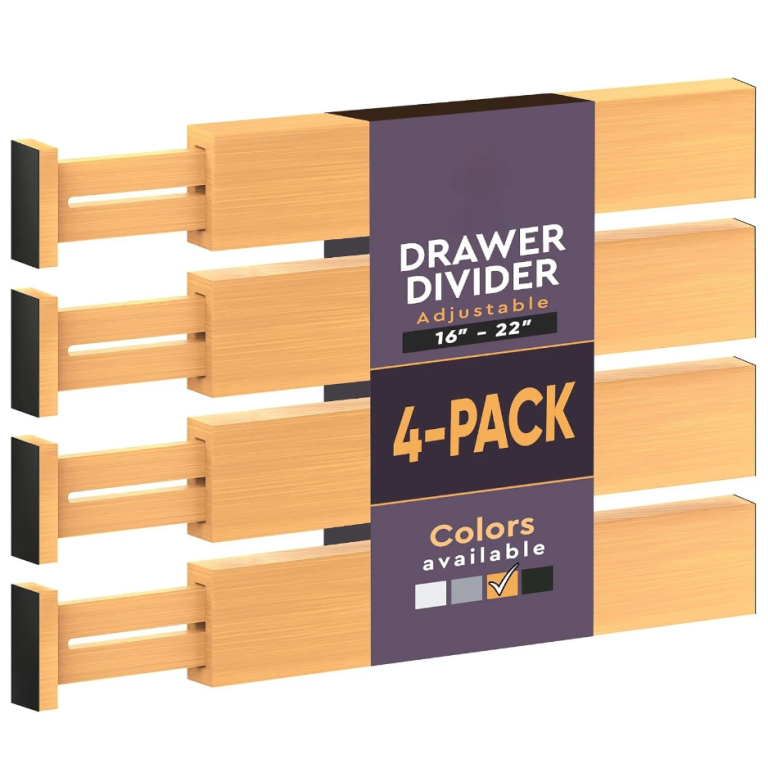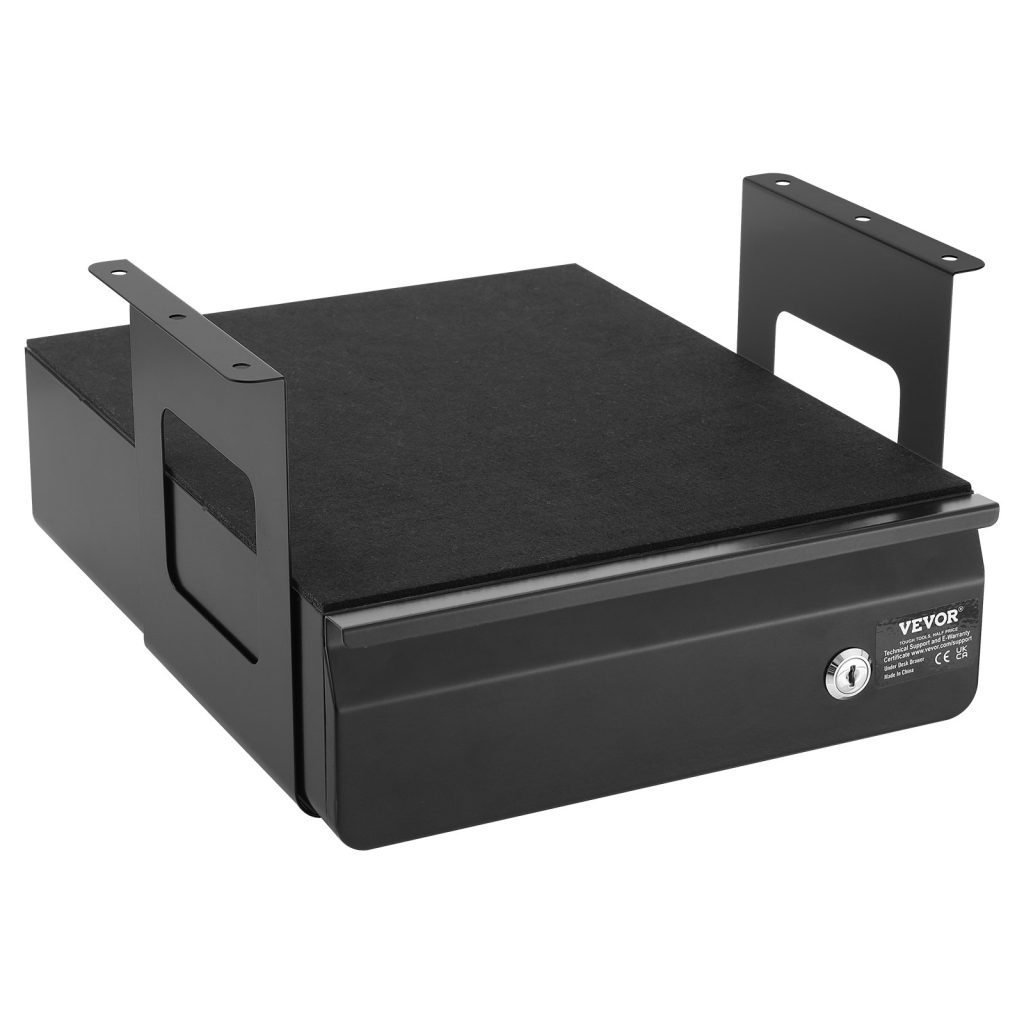
Cable and desk problems share a cause: nothing has a fixed place, so everything stays out. Getting cables right is a good place to start, because it is the change that makes the rest of the desk easier to keep clear.
- Wrap to a consistent loop and hold it — a fixed loop cannot tangle.
- Plan outward from the screen, not inward from the room.
- Halve any advertised weight rating — real walls are not ideal surfaces.
- Keep the working surface empty and give every object a zone.
Why a desk stops working before it looks messy
A desk stops working at the point where you have to move something to start a task. That happens long before it looks untidy, and it is usually caused by one zone doing two jobs — the working surface holding things that belong in a drawer or on a shelf.
The signal is a small hesitation. You sit down, and before you can begin you shift a charger, a mug or a pile of paper out of the way. Each of those is a two-second cost that happens twenty times a day, and it is the real reason a desk feels tiring rather than the state of it.
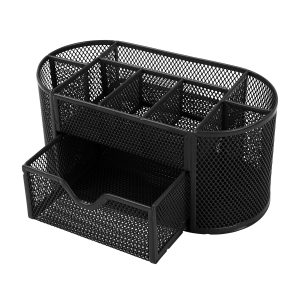
Ships from our US warehouse · 460 g · free US shipping over $49.
Label the ends, not the middle
The cable you cannot identify is the one you unplug. Label both ends of every cable within an inch of the plug, using a flag of masking tape folded around the cable — a flat wrap is unreadable once it is behind a desk, a flag reads at a glance. Write the device, not the cable type: *monitor*, not *HDMI*, because there may be three HDMI cables.
Then bundle. Group cables by the route they travel, not by the device they serve, and hold each bundle with a reusable strap. A bundle that runs together stays together when you pull one out, which is what stops the whole back of the desk coming with it. Leave a service loop of about 15 cm at each device so a cable can be unplugged without disturbing its neighbours.
The two sizes that decide everything
For cables, almost everything comes down to two numbers: A4 is 21 x 29.7 cm, and US Letter is 21.6 x 27.9 cm. A tray built for one will hold the other with a little slack, but a tray built for a smaller standard will not. If you handle both, buy for the longer dimension and let the shorter one slide — a document that overhangs a tray will curl at the edge.
Height is the number people forget. A stack of 200 sheets is about 2 cm; a stack of 500 is about 5 cm. Work out how many sheets you realistically keep before you buy, because a 3 cm tray that has to hold 500 sheets will simply be a pile with a tray underneath it.
What to look for in desk storage
The best desk storage is closed, shallow and one motion away. Closed, because open storage collects dust and looks busy; shallow, because a deep drawer becomes a place things fall into; and one motion, because anything that takes two motions will not be used. A single shallow drawer beside the keyboard beats a set of three decorative pots on the surface.
Materials should follow the light. On a desk you look at all day, matte finishes read as calm and glossy ones read as clutter, because every reflection is another thing for the eye to process. Wood, felt-lined trays and matte plastic all work; high-gloss acrylic on a bright desk rarely does.
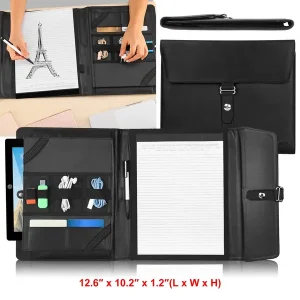
Ships from our US warehouse · 626 g · free US shipping over $49.
How to keep it working after the first week
The system fails when something new arrives and has no place to go. Give every new device a default: a spare-charger box, a spare-cable pouch, a tray for paperwork. When there is a named home for the new thing, it goes there; when there is not, it goes on the desk and the desk starts to drift again.
The other habit worth building is the five-minute reset at the end of the day. Not a tidy-up — a reset. Put the day’s objects back in their zones, clear the surface, and leave the cables where they belong. Five minutes daily is less work than an hour monthly, and it is the only maintenance this kind of setup needs.
When to stop buying and start removing
Every desk drawer eventually holds cables for devices you no longer own. Before you buy another organizer, empty the drawer and test every cable: does a device in this house use it, and do you know which one? Anything that fails both questions goes. Most people recover a third of a cable drawer this way.
The same applies to paper. A document box that is full is usually full of things that were kept because keeping was easier than deciding. Go through it once a year, remove what has expired, and the box will stay a comfortable size rather than growing into a second box you did not plan for.
See also How to manage cables under a standing desk, and How to organise a small living room for a family for the wider picture.
Frequently asked questions
- How do I know my desk is failing? When you have to move something before you can start. That is the point to fix, not the point at which it looks untidy.
- What is the fastest fix? Clear the working surface completely and give every object on it a home that is not the desk itself.
- What should I write on a cable label? The device it serves, and if there are two, which port. *Laptop — left USB-C* is more useful than *USB-C*.
- How do I stop cables falling behind the desk? A cable tray under the desk, or a clip on the back edge. Gravity is the whole problem — give the cable somewhere to rest.
- What size tray do I need for A4? At least 24 x 32 cm internally, to leave a little slack. Anything smaller will curl the corners.