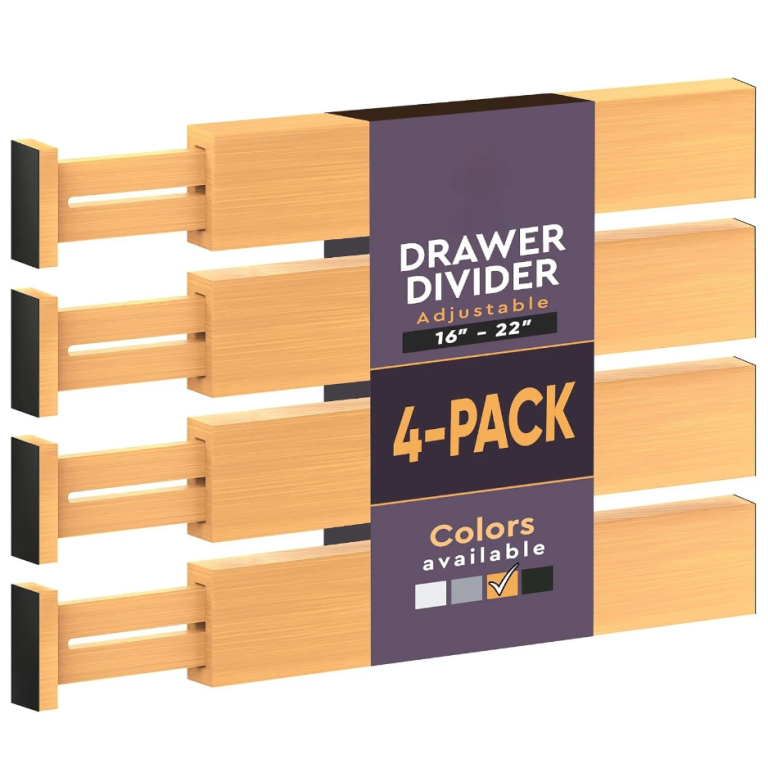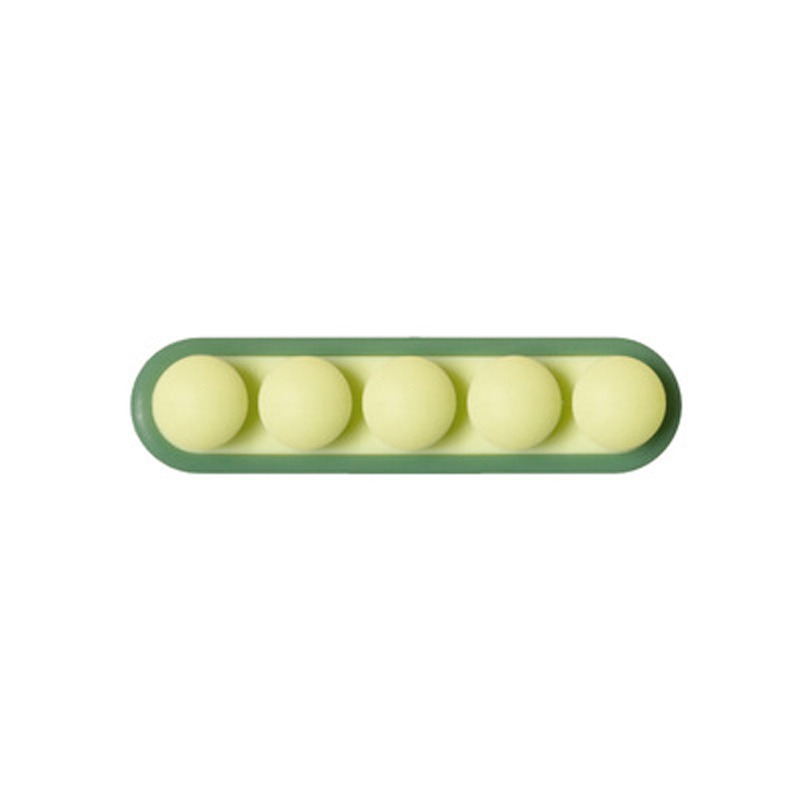
Getting cables right is mostly a matter of specification: the measurements and the load rating decide everything, and the photograph decides nothing. Get those two things right and it will quietly work for years.
- Wrap to a consistent loop and hold it — a fixed loop cannot tangle.
- Measure the bundle, not the single cable, before buying a box.
- Give each person a container, not a shared surface.
- Halve any advertised weight rating — real walls are not ideal surfaces.
What decides whether desk storage works
Desk and cable storage lives or dies on three numbers: the depth of the bundle it has to contain, the clearance under the desk, and the load it has to carry. Get those three right and almost any product will work. Get one wrong and no amount of clever design will save it — a box that will not close over a power brick is a box that ends up open on the floor.
The order to check them in is depth, then clearance, then load. Depth is the one that is hardest to guess, because a bundle of cables is always thicker than it looks. Clearance is the one people forget, and load is the one that only shows up a year later when a shelf has bowed.
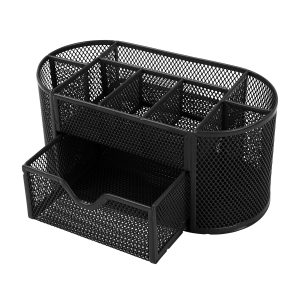
Ships from our US warehouse · 460 g · free US shipping over $49.
Buy for the devices you have now
It is tempting to buy storage for the setup you plan to build. In practice a desk accumulates devices one at a time, and storage bought for a future configuration is usually the wrong size by the time it arrives. Buy for what is on the desk today, with a little slack, and add as the desk changes.
The exception is anything that is expensive to replace. A cable tray, a monitor arm and a good power strip are worth buying once, at the size you will eventually need, because they are fixed to the furniture rather than to the device. Anything that sits on the surface can be sized to today.
Measure the desk and the reach, not the room
A desk’s usable size is not its width — it is the width minus whatever the screen and the cable tray take. A 120 cm desk with a 60 cm monitor and a 20 cm tray has about 40 cm of clear working surface, which is where the keyboard and the notebook have to fit. Measure the clear surface, and plan from that number.
Reach matters as much as size. Anything you use more than once an hour should be reachable without standing; anything above the desk should be reachable without a stool if it is used weekly. A shelf 40 cm above a desk is convenient; the same shelf 60 cm above it is decorative.
What to look for in cable management
Four things do almost all the work: a tray under the desk to hold the run, a box on it for the devices, hook-and-loop straps to hold the loops, and a clip or two to fix the cable to the back edge. Sleeves look tidy but they hide everything inside them, so use them only for a run you will never need to change.
Buy straps, not ties. A hook-and-loop strap can be opened and reused a hundred times, which matters because you will re-route these cables. A one-piece plastic tie is a single-use item that you will end up cutting, and cutting a tie next to a live cable is a bad habit to build.
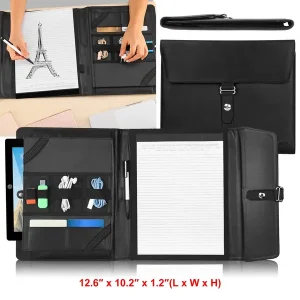
Ships from our US warehouse · 626 g · free US shipping over $49.
The maintenance nobody does
Cables and electronics collect dust, and dust plus heat is what shortens the life of a power brick. Twice a year, unplug the run, wipe the cables with a dry cloth, and vacuum the vents on anything with a fan. It takes ten minutes and it is the whole maintenance schedule for a desk.
Check the strain points while you are there. The cable right at the plug is where damage starts, and a cable that is bent sharply at the connector will fail long before the rest of it. If a cable is under tension at the plug, re-route it or add a service loop — it is a two-minute fix that saves a device.
When to stop buying and start removing
Every desk drawer eventually holds cables for devices you no longer own. Before you buy another organizer, empty the drawer and test every cable: does a device in this house use it, and do you know which one? Anything that fails both questions goes. Most people recover a third of a cable drawer this way.
The same applies to paper. A document box that is full is usually full of things that were kept because keeping was easier than deciding. Go through it once a year, remove what has expired, and the box will stay a comfortable size rather than growing into a second box you did not plan for.
For a related problem, see How to choose a wall organizer for a kitchen. It also pairs well with How to choose a desk cable tray for a thick desk.
Frequently asked questions
- What should I measure first? The bundle. Add up the cable diameters, then add the power brick, then add 2 cm of slack. That is your internal size.
- How much clearance does a cable tray need? Enough for the tray plus the cables plus your knees. On a 72 cm desk, an 8 cm tray leaves 64 cm of legroom.
- Should I buy for a future setup? Only for things fixed to the desk — tray, arm, power strip. Everything else should fit what is on the desk now.
- How much slack should I leave? About 20 per cent of the space. Enough for one more device, not enough to encourage hoarding.
- How wide should a desk be? At least 120 cm for a monitor and a keyboard, 140 cm if you also want paper beside you. Measure the clear surface after the screen, not before.