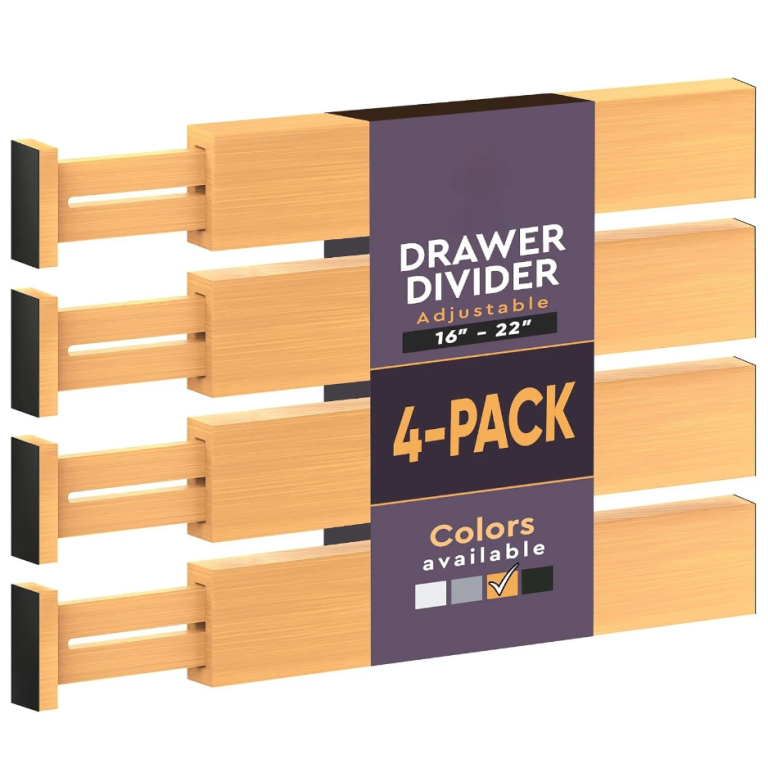
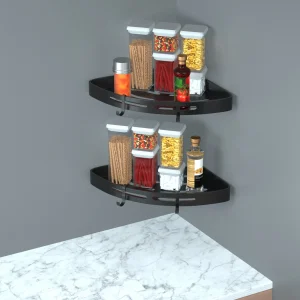
 Bath Corner Shower Shelves Adhesive Caddy, Wall Mounted, No Drilling Racks Shower Organizer Basket, Aluminum Storage for Bathroom Kitchen
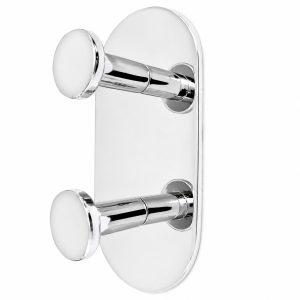 Stainless Steel Double Round Hook, Glossy Finish,2 Pack
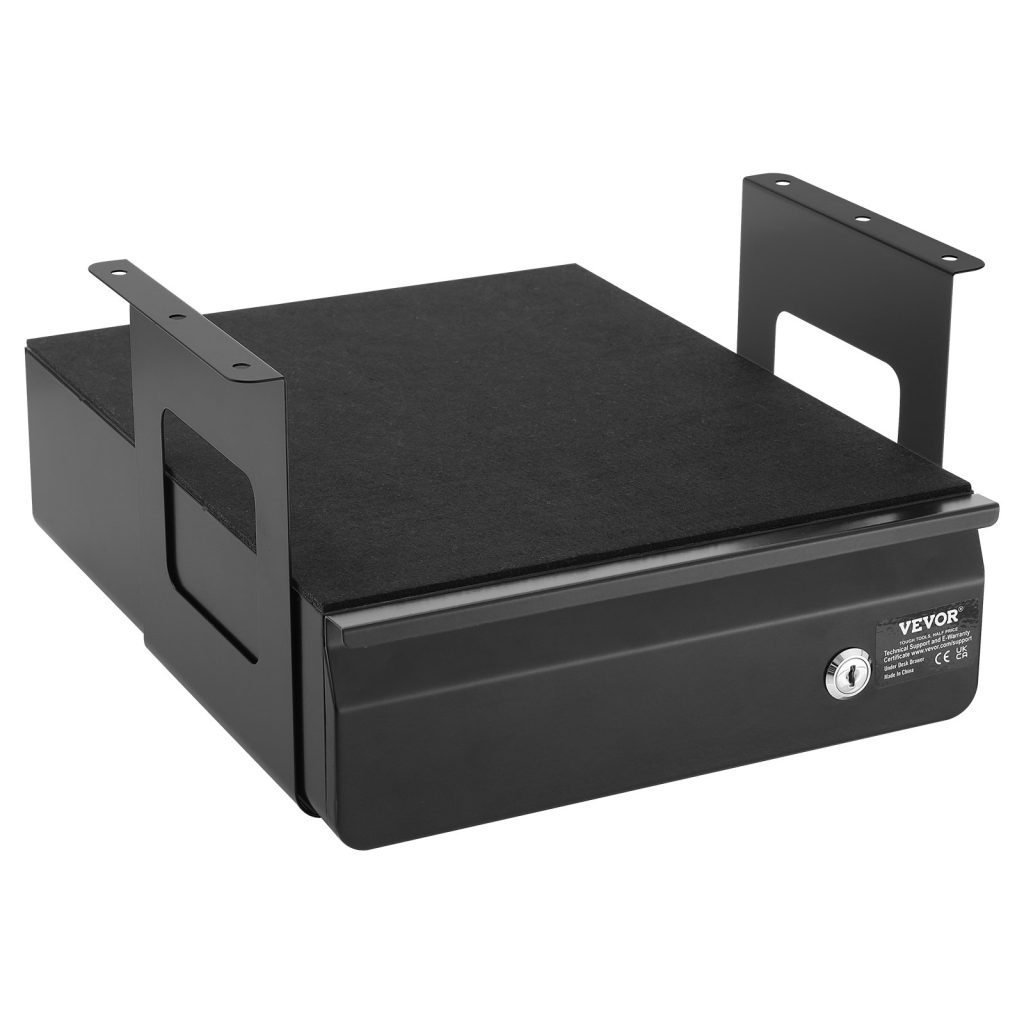
Cable and desk problems share a cause: nothing has a fixed place, so everything stays out. Getting headphones right is a good place to start, because it is the change that makes the rest of the desk easier to keep clear.
- Wrap to a consistent loop and hold it — a fixed loop cannot tangle.
- Never put a router in a closed metal cabinet.
- Label both ends of a cable, within an inch of the plug.
- Separate by job, not by length, or the drawer becomes a knot.
Why cables tangle even when they are put away
Cables tangle because they are stored loose and long. A coil that is not held will relax, cross itself, and knot — and the longer the cable, the faster it happens. The fix is to fix the shape: wrap to a loop of a consistent size, hold it with a tie or a clip, and store the loop flat. A cable stored at a fixed loop size cannot tangle, however long it sits.
The second cause is mixing. When charging cables, data cables and power leads share one drawer, you cannot find the one you need without lifting the others, and lifting is what tangles them. Separate by job, not by length, and the drawer stops being a knot.

Ships from our US warehouse · 600 g · free US shipping over $49.
Label the ends, not the middle
The cable you cannot identify is the one you unplug. Label both ends of every cable within an inch of the plug, using a flag of masking tape folded around the cable — a flat wrap is unreadable once it is behind a desk, a flag reads at a glance. Write the device, not the cable type: *monitor*, not *HDMI*, because there may be three HDMI cables.
Then bundle. Group cables by the route they travel, not by the device they serve, and hold each bundle with a reusable strap. A bundle that runs together stays together when you pull one out, which is what stops the whole back of the desk coming with it. Leave a service loop of about 15 cm at each device so a cable can be unplugged without disturbing its neighbours.
Measure the desk and the reach, not the room
A desk’s usable size is not its width — it is the width minus whatever the screen and the cable tray take. A 120 cm desk with a 60 cm monitor and a 20 cm tray has about 40 cm of clear working surface, which is where the keyboard and the notebook have to fit. Measure the clear surface, and plan from that number.
Reach matters as much as size. Anything you use more than once an hour should be reachable without standing; anything above the desk should be reachable without a stool if it is used weekly. A shelf 40 cm above a desk is convenient; the same shelf 60 cm above it is decorative.
What to look for in cable management
Four things do almost all the work: a tray under the desk to hold the run, a box on it for the devices, hook-and-loop straps to hold the loops, and a clip or two to fix the cable to the back edge. Sleeves look tidy but they hide everything inside them, so use them only for a run you will never need to change.
Buy straps, not ties. A hook-and-loop strap can be opened and reused a hundred times, which matters because you will re-route these cables. A one-piece plastic tie is a single-use item that you will end up cutting, and cutting a tie next to a live cable is a bad habit to build.
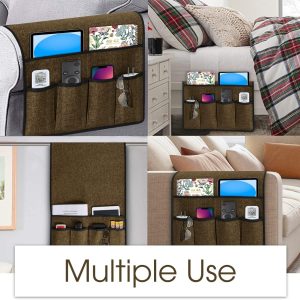
Ships from our US warehouse · 500 g · free US shipping over $49.
How to keep it working after the first week
The system fails when something new arrives and has no place to go. Give every new device a default: a spare-charger box, a spare-cable pouch, a tray for paperwork. When there is a named home for the new thing, it goes there; when there is not, it goes on the desk and the desk starts to drift again.
The other habit worth building is the five-minute reset at the end of the day. Not a tidy-up — a reset. Put the day’s objects back in their zones, clear the surface, and leave the cables where they belong. Five minutes daily is less work than an hour monthly, and it is the only maintenance this kind of setup needs.
When to stop buying and start removing
Every desk drawer eventually holds cables for devices you no longer own. Before you buy another organizer, empty the drawer and test every cable: does a device in this house use it, and do you know which one? Anything that fails both questions goes. Most people recover a third of a cable drawer this way.
The same applies to paper. A document box that is full is usually full of things that were kept because keeping was easier than deciding. Go through it once a year, remove what has expired, and the box will stay a comfortable size rather than growing into a second box you did not plan for.
Related reading: How to store a router and modem neatly. It also pairs well with How to use vertical space in a small kitchen.
Frequently asked questions
- What is the best way to store a cable? A consistent loop, held with a reusable tie, stored flat. The over-under wrap keeps the cable from twisting on itself.
- Do cable ties damage cables? A hard plastic tie pulled tight can crush the conductor. Use a hook-and-loop strap or a soft clip instead.
- What should I write on a cable label? The device it serves, and if there are two, which port. *Laptop — left USB-C* is more useful than *USB-C*.
- How do I stop cables falling behind the desk? A cable tray under the desk, or a clip on the back edge. Gravity is the whole problem — give the cable somewhere to rest.
- How wide should a desk be? At least 120 cm for a monitor and a keyboard, 140 cm if you also want paper beside you. Measure the clear surface after the screen, not before.