 1Pc Wall Mounted Storage Bag Door Closet Hanging Storage Bag Organizer Waterproof 3 Pockets Pouch
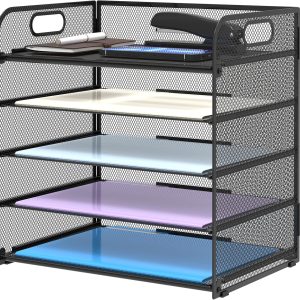 5 Tier Paper Organizer Letter Tray With Handles, Mesh Desk File Holder And Paper Sorter For Office, Home, Classroom & School
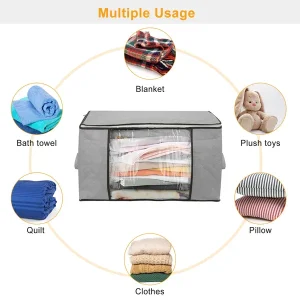 2Pcs Clothes Storage Bag 90L Large Capacity Foldable Closet Organizer W/ Thick Fabric Clear Window Dual-Zipper
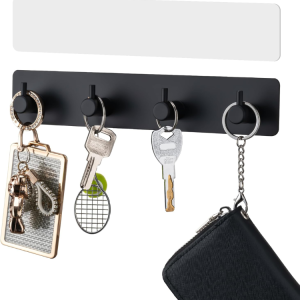 Key Holder With 4 Hooks Adhesive Key Hanger Organizer For Wall Mount
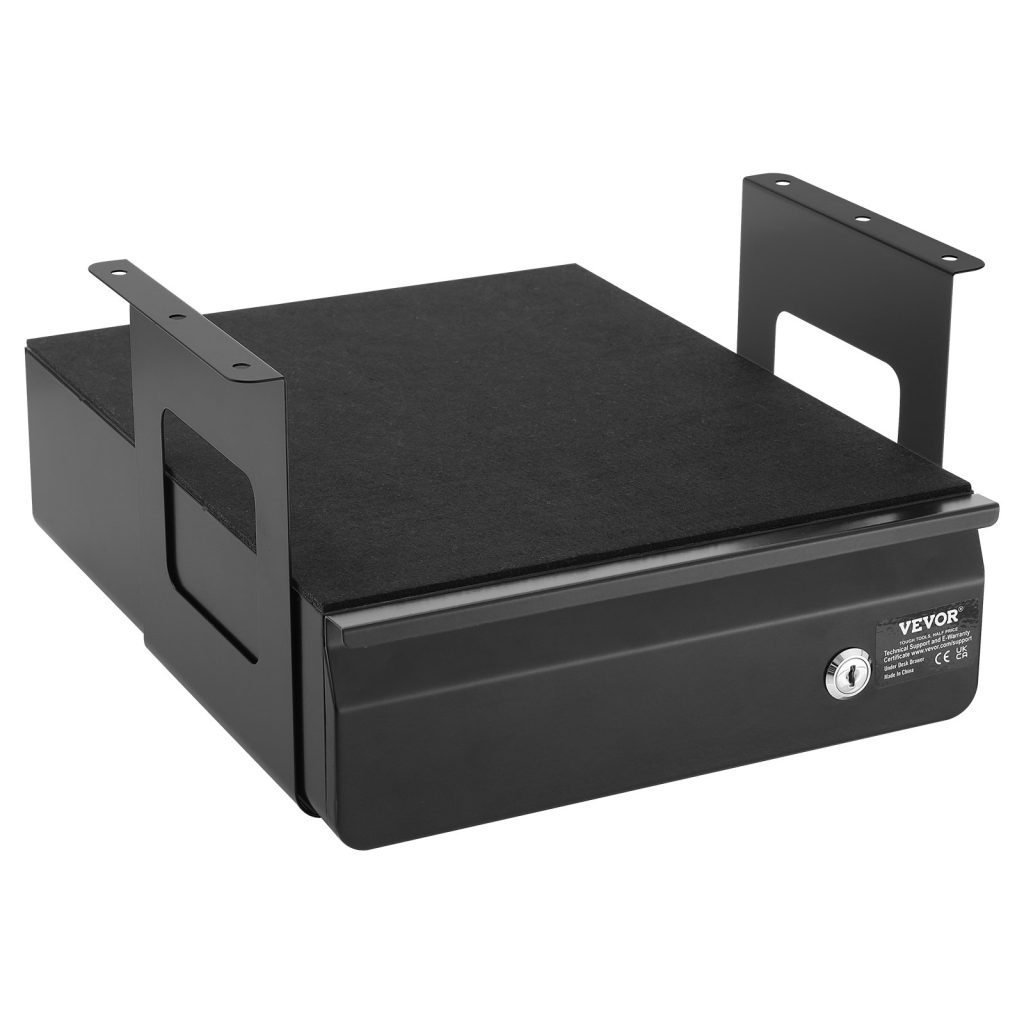
Cable and desk problems share a cause: nothing has a fixed place, so everything stays out. Getting the devices right is a good place to start, because it is the change that makes the rest of the desk easier to keep clear.
- Wrap to a consistent loop and hold it — a fixed loop cannot tangle.
- A shallow drawer beside the keyboard beats three pots on the desk.
- Halve any advertised weight rating — real walls are not ideal surfaces.
- Plan outward from the screen, not inward from the room.
Why a desk stops working before it looks messy
A desk stops working at the point where you have to move something to start a task. That happens long before it looks untidy, and it is usually caused by one zone doing two jobs — the working surface holding things that belong in a drawer or on a shelf.
The signal is a small hesitation. You sit down, and before you can begin you shift a charger, a mug or a pile of paper out of the way. Each of those is a two-second cost that happens twenty times a day, and it is the real reason a desk feels tiring rather than the state of it.
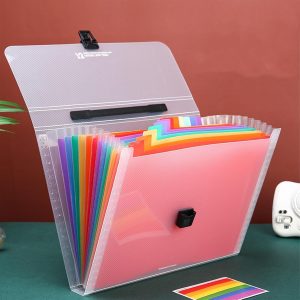
Ships from our US warehouse · 265 g · free US shipping over $49.
Sort by what happens next, not by subject
The most common filing mistake is sorting by subject. Subjects multiply — *insurance* becomes *car insurance*, *home insurance*, *health insurance* — and a system with too many categories gets abandoned. Sort by what happens next instead: act, keep, or discard. Two destinations are enough to start, and you can subdivide later if you genuinely need to.
For the devices, put a date on anything that needs an action and check the tray once a week. A weekly check is what stops the tray becoming a second pile. Anything that has sat in the tray for a month without being acted on is either not important or needs a decision you are avoiding — either way, the tray is telling you something useful.
Measure the desk and the reach, not the room
A desk’s usable size is not its width — it is the width minus whatever the screen and the cable tray take. A 120 cm desk with a 60 cm monitor and a 20 cm tray has about 40 cm of clear working surface, which is where the keyboard and the notebook have to fit. Measure the clear surface, and plan from that number.
Reach matters as much as size. Anything you use more than once an hour should be reachable without standing; anything above the desk should be reachable without a stool if it is used weekly. A shelf 40 cm above a desk is convenient; the same shelf 60 cm above it is decorative.
What to look for in a document box
A document box needs three things: a lid, a label surface, and a size that matches the paper inside. A lidded box keeps dust and light off the contents; a label surface means you can find a year without opening it; and the size matters because a box that is too big lets the paper slump and curl at the edges.
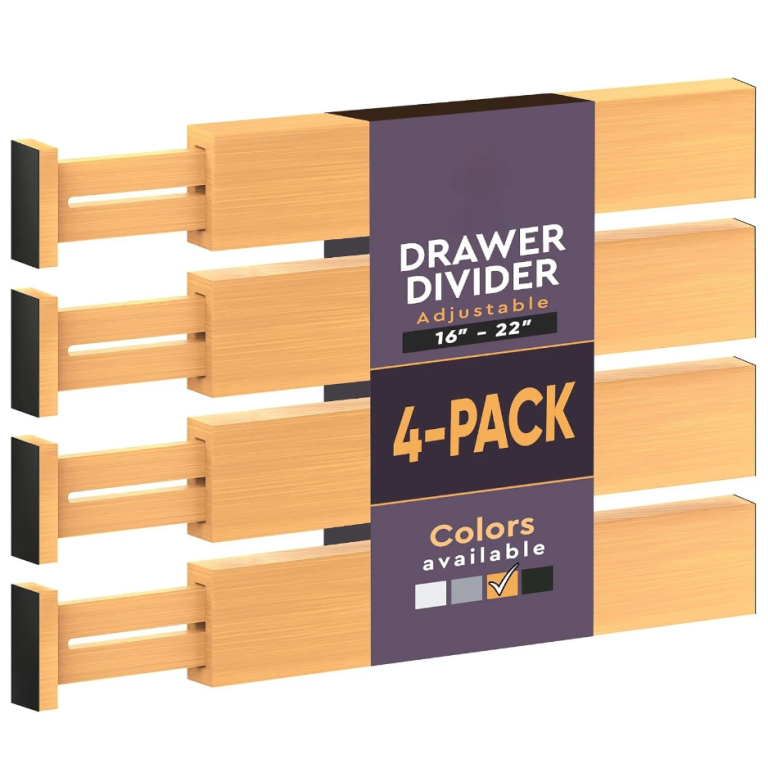
For the devices, dividers are what make the box work. Use one divider per year or per category, and write on the top edge rather than the face — a divider labelled on the top reads when the box is open and full, which is the only time it matters. Rigid dividers are worth the extra over card ones, which bend and disappear.
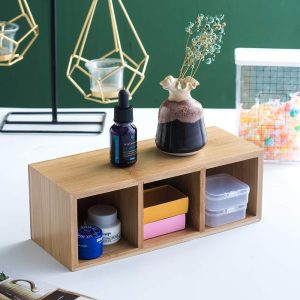
Ships from our US warehouse · 600 g · free US shipping over $49.
How to keep it working after the first week
The system fails when something new arrives and has no place to go. Give every new device a default: a spare-charger box, a spare-cable pouch, a tray for paperwork. When there is a named home for the new thing, it goes there; when there is not, it goes on the desk and the desk starts to drift again.
The other habit worth building is the five-minute reset at the end of the day. Not a tidy-up — a reset. Put the day’s objects back in their zones, clear the surface, and leave the cables where they belong. Five minutes daily is less work than an hour monthly, and it is the only maintenance this kind of setup needs.
When the answer is not more storage
In a small or shared space, storage has a ceiling. Once you have to move one thing to reach another, adding more has stopped paying. The useful work at that point is deciding what does not need to be here — a second monitor that is used twice a year, a printer that could live in a cupboard, a box of cables for a hobby you have paused.
It is also worth questioning the desk itself. A desk that is the wrong size for the room will always feel cluttered, no matter how it is organised. Sometimes the honest answer is a smaller desk and a shelf above it, which frees floor and gives the eye somewhere calm to rest.
For a related problem, see How to choose storage for a workshop corner. It also pairs well with How to organise a coat corner in a hallway.
Frequently asked questions
- How do I know my desk is failing? When you have to move something before you can start. That is the point to fix, not the point at which it looks untidy.
- What is the fastest fix? Clear the working surface completely and give every object on it a home that is not the desk itself.
- How should I organise paperwork? Act, keep, discard — then by year inside *keep*. Sorting by subject creates too many categories to maintain.
- What about digital copies? Scan what you would hate to lose, then shred the original unless it is a legal document. Keeping both doubles the job.
- How wide should a desk be? At least 120 cm for a monitor and a keyboard, 140 cm if you also want paper beside you. Measure the clear surface after the screen, not before.