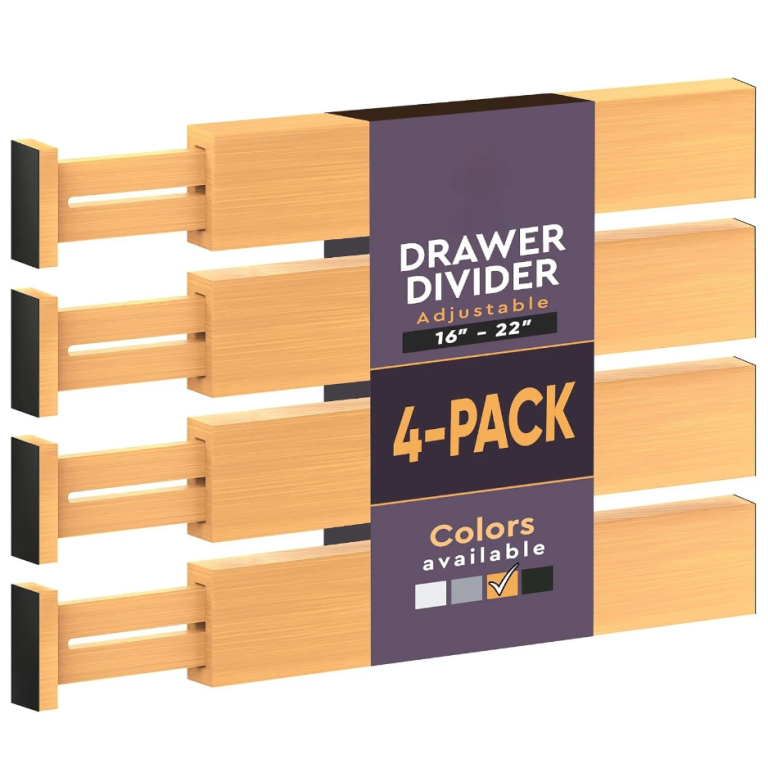
 Stainless Steel Double Round Hook, Glossy Finish,2 Pack
 Hair Dryer Bracket No Drilling Wall Mount Blow Dryer Hanger Rack Organizer For Bathroom Bedroom
 Remote Control Holder Armchair Caddy, Chocolate Armrest Organizer For TV Remotes, Phone, Magazines And Small Items
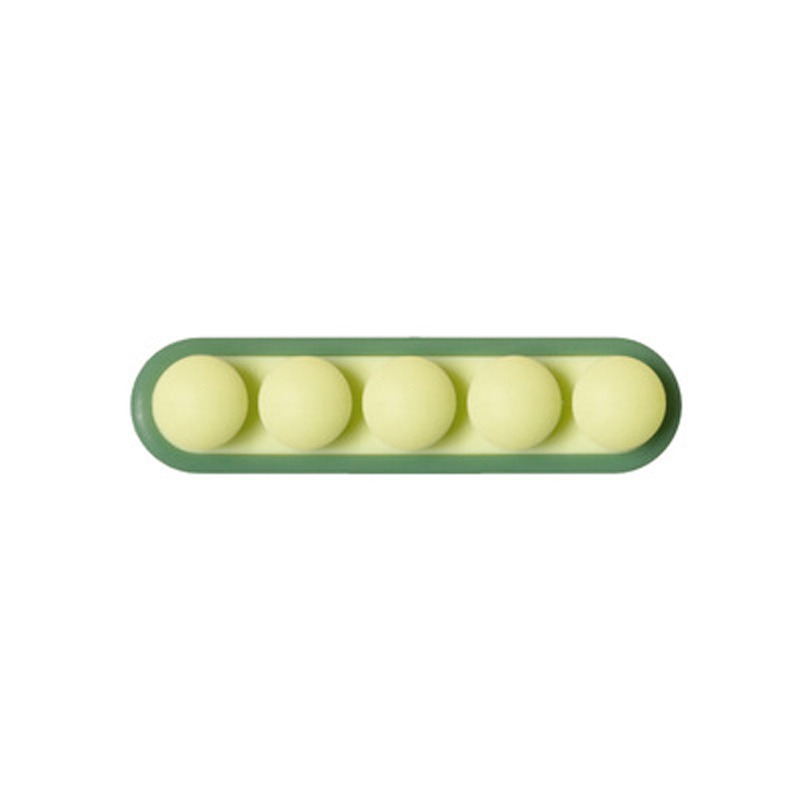
A desk does not get messy because it is small. It gets messy because the things on it have nowhere to go back to. Getting cables right is usually the first thing that helps, and it takes less time than finding the right cable does.
- Measure the bundle, not the single cable, before buying a box.
- Wrap to a consistent loop and hold it — a fixed loop cannot tangle.
- Reusable hook-and-loop straps, never single-use ties.
- Keep the working surface empty and give every object a zone.
Why cables tangle even when they are put away
Cables tangle because they are stored loose and long. A coil that is not held will relax, cross itself, and knot — and the longer the cable, the faster it happens. The fix is to fix the shape: wrap to a loop of a consistent size, hold it with a tie or a clip, and store the loop flat. A cable stored at a fixed loop size cannot tangle, however long it sits.
The second cause is mixing. When charging cables, data cables and power leads share one drawer, you cannot find the one you need without lifting the others, and lifting is what tangles them. Separate by job, not by length, and the drawer stops being a knot.

Ships from our US warehouse · 626 g · free US shipping over $49.
Work out from the screen, not in from the room
Plan a workstation outward from the screen. The screen sets the eye line, the keyboard sits a forearm’s length in front, and everything else fills the space that is left. Doing it the other way — fitting the screen into a space already occupied by other things — is why so many desks end up with the monitor pushed into a corner and a nest of cables where the keyboard should be.
Then take the desk’s own footprint seriously. A monitor on a stand loses the 20 cm of depth underneath it, which is exactly where a keyboard tray or a shallow drawer fits. Raising the screen on an arm or a riser recovers that depth, and it is usually the single change that makes a small desk feel usable.
Measure the bundle, not the cable
When you are sizing anything that has to contain cables, measure the bundle and not the individual cable. Six cables at 4 mm each is a 24 mm bundle before you add connectors, and a power brick is 40 mm on its own. A box that is 3 cm too short will not close over the brick, which is the most common reason a cable box ends up open on the floor.
Then measure the clearance under the desk. A cable tray needs the desk’s underside to be flat, and it needs enough room for the tray plus the cables plus your knees. A tray that sits 8 cm below a 72 cm desk leaves 64 cm of legroom, which is tight for a tall person. Check the desk height before you check the tray.
What to look for in cable management
Four things do almost all the work: a tray under the desk to hold the run, a box on it for the devices, hook-and-loop straps to hold the loops, and a clip or two to fix the cable to the back edge. Sleeves look tidy but they hide everything inside them, so use them only for a run you will never need to change.
Buy straps, not ties. A hook-and-loop strap can be opened and reused a hundred times, which matters because you will re-route these cables. A one-piece plastic tie is a single-use item that you will end up cutting, and cutting a tie next to a live cable is a bad habit to build.

Ships from our US warehouse · 265 g · free US shipping over $49.
The maintenance nobody does
Cables and electronics collect dust, and dust plus heat is what shortens the life of a power brick. Twice a year, unplug the run, wipe the cables with a dry cloth, and vacuum the vents on anything with a fan. It takes ten minutes and it is the whole maintenance schedule for a desk.
Check the strain points while you are there. The cable right at the plug is where damage starts, and a cable that is bent sharply at the connector will fail long before the rest of it. If a cable is under tension at the plug, re-route it or add a service loop — it is a two-minute fix that saves a device.
When to stop buying and start removing
Every desk drawer eventually holds cables for devices you no longer own. Before you buy another organizer, empty the drawer and test every cable: does a device in this house use it, and do you know which one? Anything that fails both questions goes. Most people recover a third of a cable drawer this way.
The same applies to paper. A document box that is full is usually full of things that were kept because keeping was easier than deciding. Go through it once a year, remove what has expired, and the box will stay a comfortable size rather than growing into a second box you did not plan for.
Related reading: How to choose a cable sleeve or wrap. It also pairs well with How to choose a desk cable tray for a thick desk.
Frequently asked questions
- What is the best way to store a cable? A consistent loop, held with a reusable tie, stored flat. The over-under wrap keeps the cable from twisting on itself.
- Do cable ties damage cables? A hard plastic tie pulled tight can crush the conductor. Use a hook-and-loop strap or a soft clip instead.
- How far should a monitor be? About an arm's length — roughly 50 to 70 cm for most people. Closer than that and the eye has to work harder all day.
- Is a monitor arm worth it? On a small desk, usually yes. It returns the stand's footprint to you, which is often the difference between fitting a keyboard tray or not.
- How big should a cable box be? Big enough to hold the power brick plus the bundle with 2 cm to spare. Measure the brick first — it is always bigger than expected.