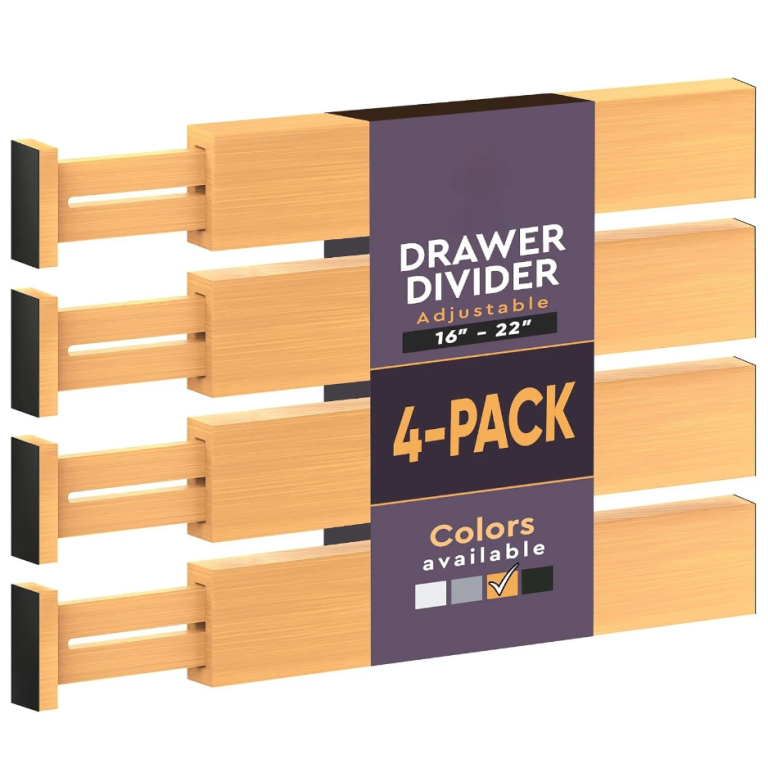
 CIFbuy™ 2 pcs Elegant Metal Hooks Multi-Function Key Belt Wall Organizer (TikTok, temu pick-up service)
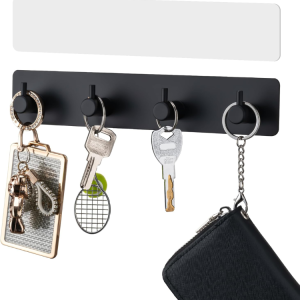 Key Holder With 4 Hooks Adhesive Key Hanger Organizer For Wall Mount
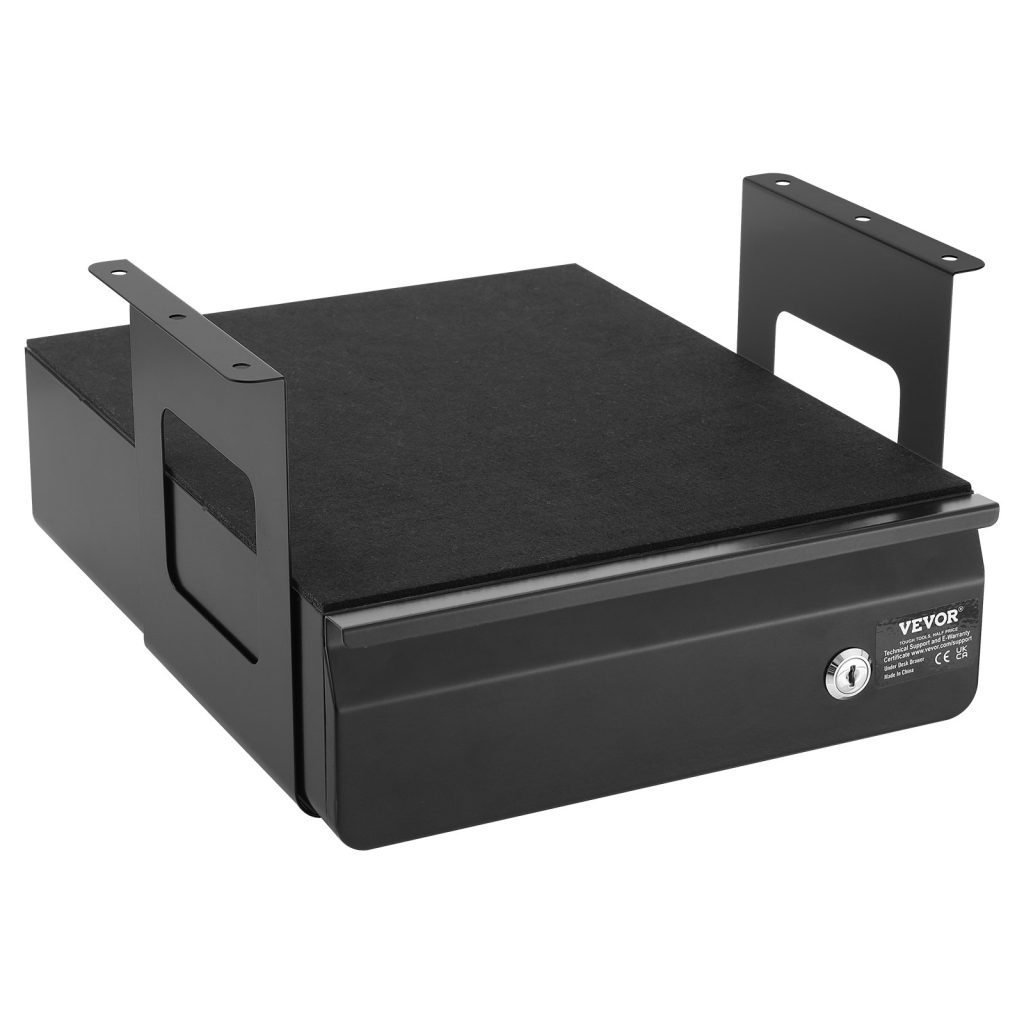
Cable and desk problems share a cause: nothing has a fixed place, so everything stays out. Getting the desk right is a good place to start, because it is the change that makes the rest of the desk easier to keep clear.
- Keep the working surface empty and give every object a zone.
- Measure the bundle, not the single cable, before buying a box.
- Never put a router in a closed metal cabinet.
- Plan outward from the screen, not inward from the room.
Why a desk becomes a dumping ground
A desk turns into a dumping ground because it is the only horizontal surface in the room that is at hand height. Everything that arrives with nowhere to go lands there: post, a charger, a mug, a cable. The desk is not the problem — the missing thing is a landing place next to it that is not the desk itself.
The second cause is that the desk has no closed storage. Anything that cannot be put away in one motion stays out, and things that stay out attract other things. One drawer, one tray, or one lidded box within arm’s reach removes most of the accumulation, because it gives every arriving object somewhere to be that is not the working surface.
Ships from our US warehouse · 460 g · free US shipping over $49.
Work out from the screen, not in from the room
Plan a workstation outward from the screen. The screen sets the eye line, the keyboard sits a forearm’s length in front, and everything else fills the space that is left. Doing it the other way — fitting the screen into a space already occupied by other things — is why so many desks end up with the monitor pushed into a corner and a nest of cables where the keyboard should be.
Then take the desk’s own footprint seriously. A monitor on a stand loses the 20 cm of depth underneath it, which is exactly where a keyboard tray or a shallow drawer fits. Raising the screen on an arm or a riser recovers that depth, and it is usually the single change that makes a small desk feel usable.
Measure the desk and the reach, not the room
A desk’s usable size is not its width — it is the width minus whatever the screen and the cable tray take. A 120 cm desk with a 60 cm monitor and a 20 cm tray has about 40 cm of clear working surface, which is where the keyboard and the notebook have to fit. Measure the clear surface, and plan from that number.
Reach matters as much as size. Anything you use more than once an hour should be reachable without standing; anything above the desk should be reachable without a stool if it is used weekly. A shelf 40 cm above a desk is convenient; the same shelf 60 cm above it is decorative.
What to look for in a document box
A document box needs three things: a lid, a label surface, and a size that matches the paper inside. A lidded box keeps dust and light off the contents; a label surface means you can find a year without opening it; and the size matters because a box that is too big lets the paper slump and curl at the edges.
For the desk, dividers are what make the box work. Use one divider per year or per category, and write on the top edge rather than the face — a divider labelled on the top reads when the box is open and full, which is the only time it matters. Rigid dividers are worth the extra over card ones, which bend and disappear.

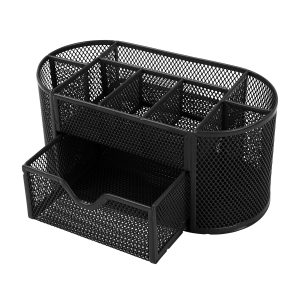
Ships from our US warehouse · 626 g · free US shipping over $49.
How to keep it working after the first week
The system fails when something new arrives and has no place to go. Give every new device a default: a spare-charger box, a spare-cable pouch, a tray for paperwork. When there is a named home for the new thing, it goes there; when there is not, it goes on the desk and the desk starts to drift again.
The other habit worth building is the five-minute reset at the end of the day. Not a tidy-up — a reset. Put the day’s objects back in their zones, clear the surface, and leave the cables where they belong. Five minutes daily is less work than an hour monthly, and it is the only maintenance this kind of setup needs.
When to stop buying and start removing
Every desk drawer eventually holds cables for devices you no longer own. Before you buy another organizer, empty the drawer and test every cable: does a device in this house use it, and do you know which one? Anything that fails both questions goes. Most people recover a third of a cable drawer this way.
The same applies to paper. A document box that is full is usually full of things that were kept because keeping was easier than deciding. Go through it once a year, remove what has expired, and the box will stay a comfortable size rather than growing into a second box you did not plan for.
Related reading: Cable boxes vs cable trays: which suits a desk. It also pairs well with How to choose a desk organizer for a laptop setup.
Frequently asked questions
- Why does my desk get messy so fast? Because it is the nearest flat surface. Add a landing tray beside it and a closed drawer in it, and the pile stops forming.
- Should I clear my desk every night? Two minutes is enough. Put the day's objects in their places and leave the surface empty — the habit matters more than the thoroughness.
- How far should a monitor be? About an arm's length — roughly 50 to 70 cm for most people. Closer than that and the eye has to work harder all day.
- Is a monitor arm worth it? On a small desk, usually yes. It returns the stand's footprint to you, which is often the difference between fitting a keyboard tray or not.
- How wide should a desk be? At least 120 cm for a monitor and a keyboard, 140 cm if you also want paper beside you. Measure the clear surface after the screen, not before.